
For Dota 2 on macOS
Windows key layout, on your Mac
Command and Option swap the moment Dota comes forward, and swap back the moment you leave.
Free. No account, no licence key. First open: if macOS says it cannot verify MacDotes, click Done, then System Settings → Privacy & Security → Open Anyway.
The problem
One keyboard, two modifier layouts
On Windows, Alt sits beside the space bar. On a Mac, Command is there instead — so every habit lands one key off.
Two keys, while the game is in front. Nothing else is touched.
The top row
F1 through F12, without a system-wide switch
Dota binds F1–F12. Your Mac sends brightness and volume. macOS will fix that with one checkbox — for every app you own. MacDotes fixes it for one, while it is in front.
Volume and brightness pause while it is applied — exactly as they do on a PC keyboard. The four dashed keys are vendor territory, so they are best effort.
The interface
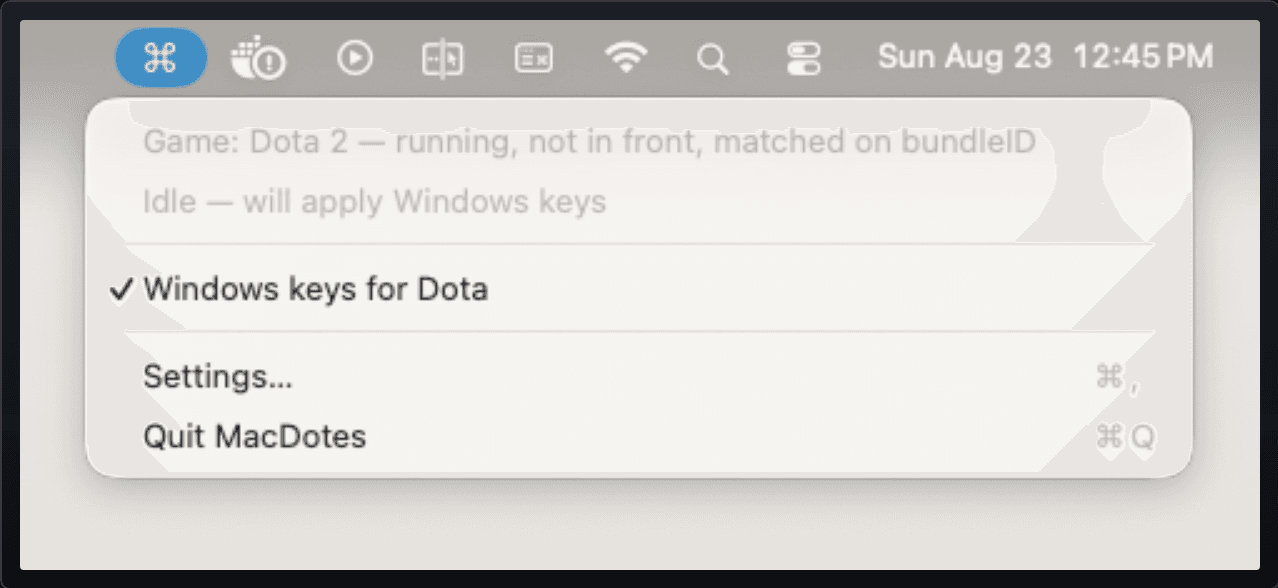
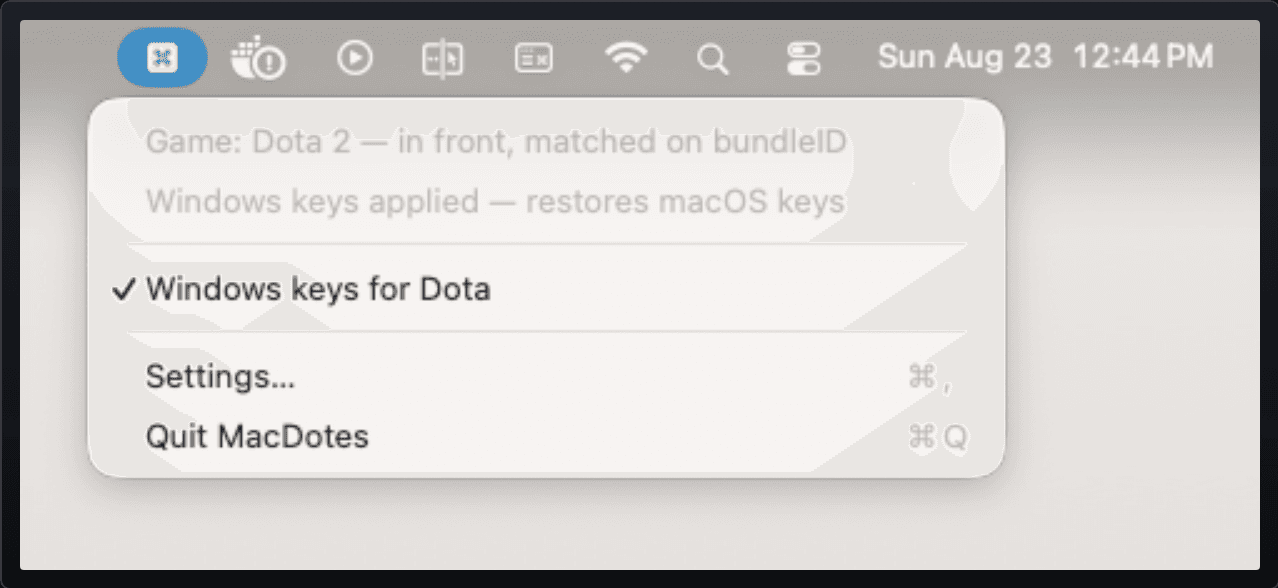
A menu bar icon is the whole interface
No Dock icon, no windows. One glyph in the menu bar that says what is applied right now.
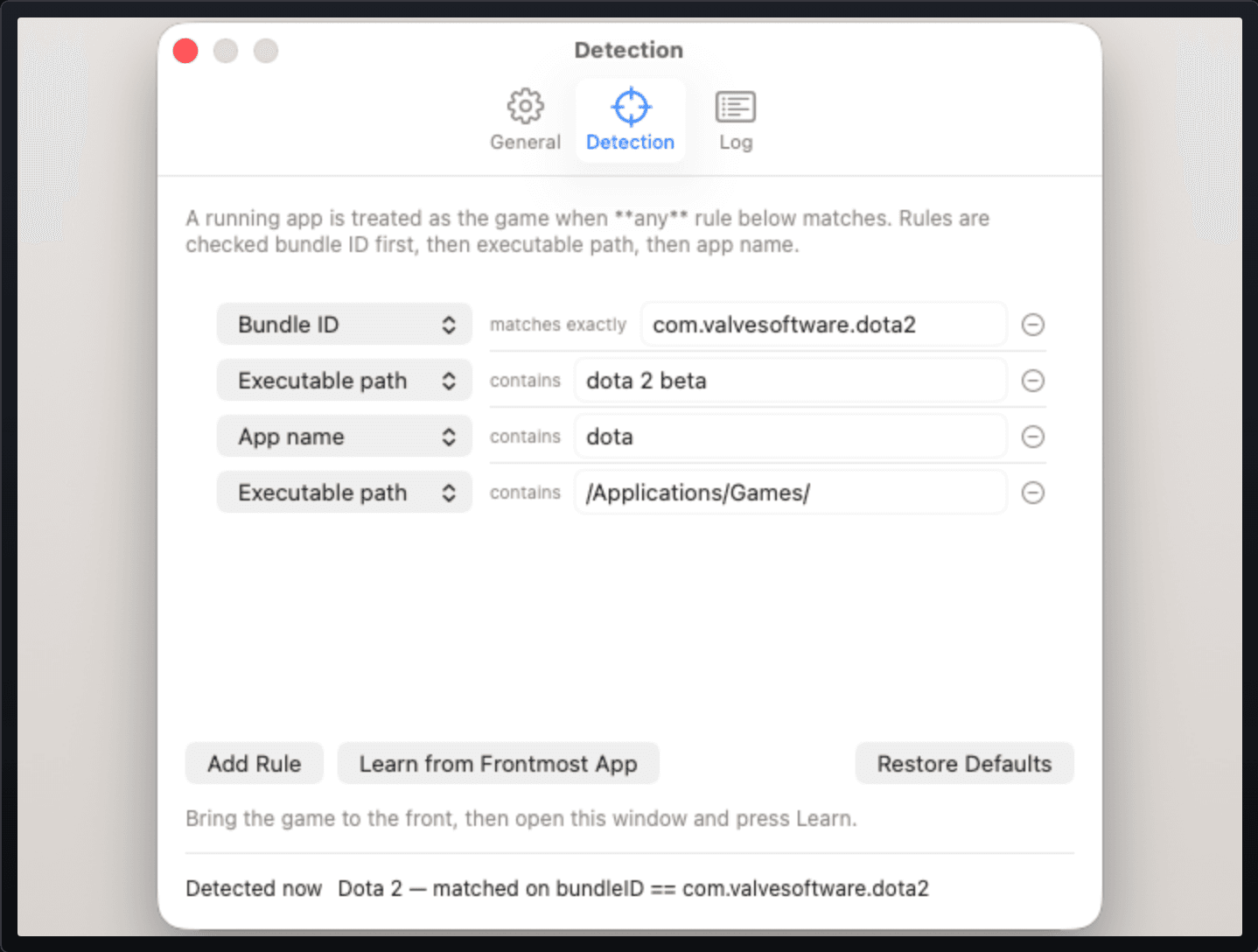
The rules
What it does, and what it refuses to do
Focus, not launch
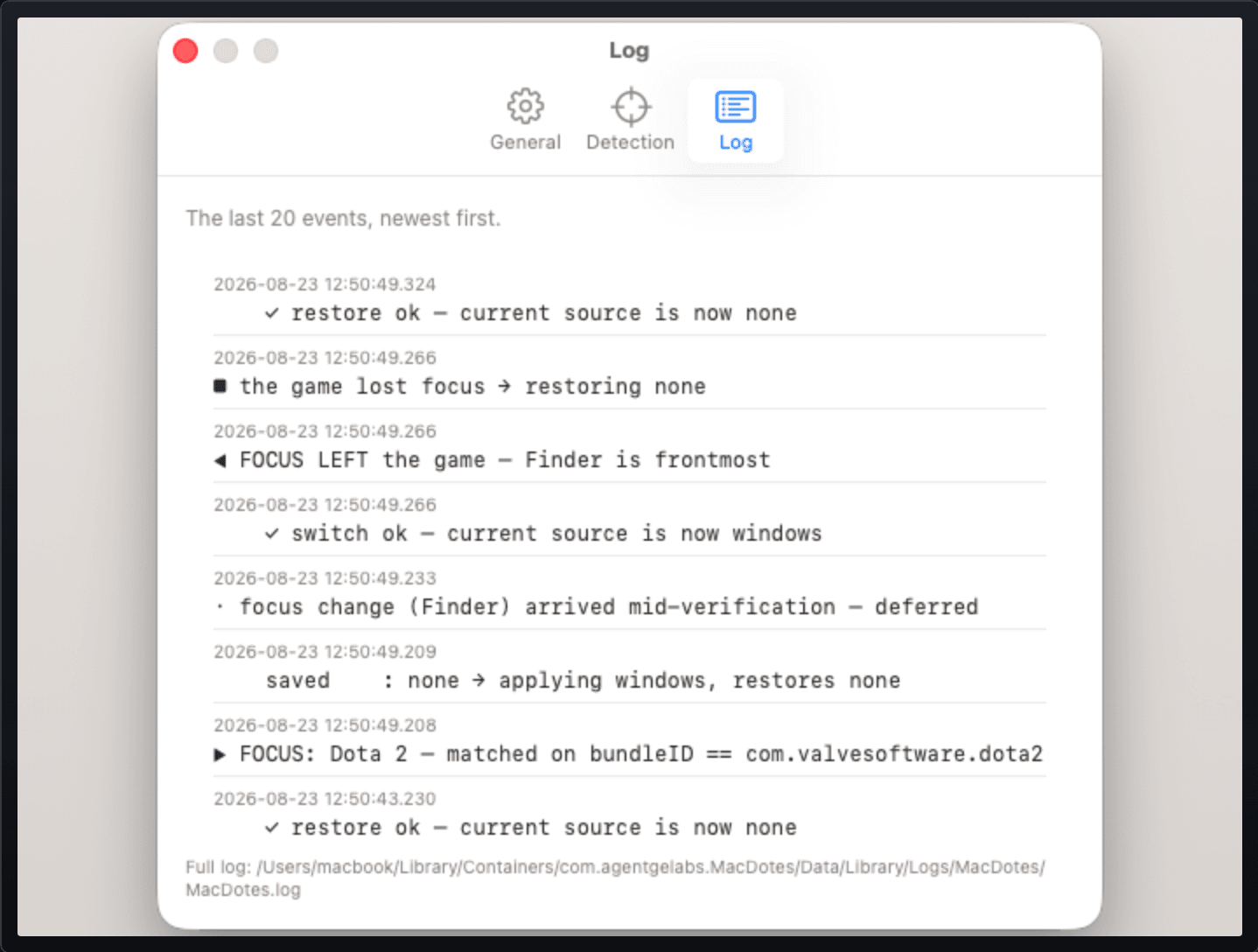
Alt-tab away and your keyboard is back. Come back and it is applied again.
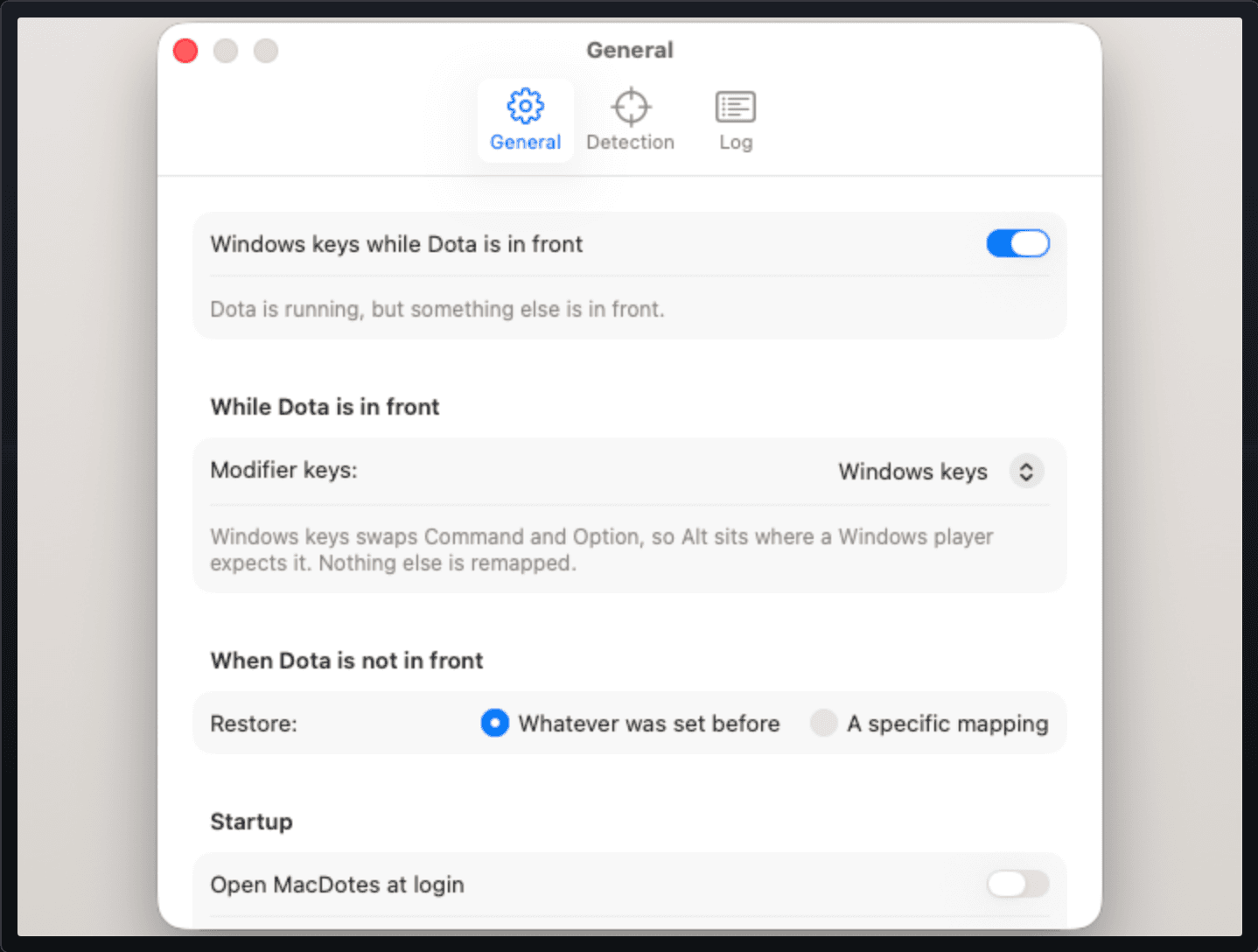
Two mappings, you pick
Command ↔ Option — with F1–F12 on top, if you want it.
Always puts them back
Quit, switch off, or crash — the next launch undoes what it owes you.
Any game, not just Dota
Point the rules at any app. One button fills them in from the real thing.
No permissions
No Accessibility, no Input Monitoring. It never sees a key you press.
No account, no network
There is no networking code in the binary. Nothing to collect.
Requires macOS 14.0 or later. Universal — Apple silicon and Intel.
The price
Free, for every Mac you own
Download it, drag it to Applications, open it. That is the whole setup.
No account, no key
Nothing to sign up for and nothing to paste in. It starts working the first time it opens.
Nothing phones home
No analytics, no update check, no network code at all — Privacy.
Yours to keep
No trial, no expiry, no upsell. A new version is just a new download.
Free. No account, no licence key. First open: if macOS says it cannot verify MacDotes, click Done, then System Settings → Privacy & Security → Open Anyway.